Why Disney+ is better with comments
The talking happens everywhere except where you watch: the premiere ends and the discussion scatters across the internet.
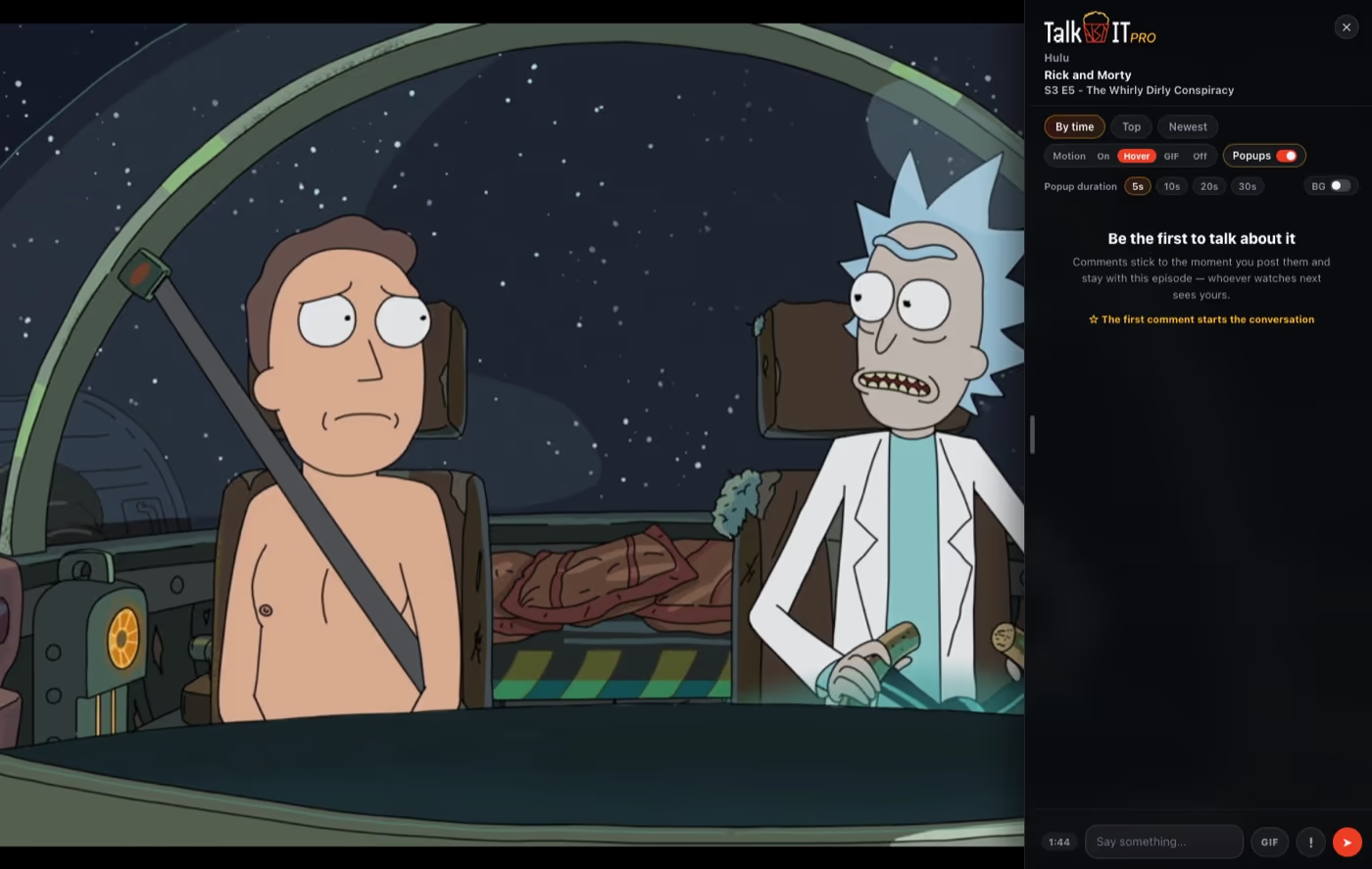
TalkAbtIT pins the conversation to the Disney+ player — comments attached to the exact moment they're about, spoiler-tagged comments blurred until you tap them, and likes to lift the best reactions.
How it works on Disney+
Add TalkAbtIT to Chrome
Get TalkAbtITFree · Chrome Web StoreInstall the free extension from the Chrome Web Store and pick a username. You sign in to Disney+ like you always do — TalkAbtIT never asks for your Disney+ login.
Press play on any title
Open disneyplus.com and start any episode or movie. The popcorn bucket appears over the player — click it and the comment section slides in beside the video.
Join the conversation
Read reactions pinned to the exact moment they're about, drop your own, and like the best ones. Spoiler-tagged comments stay blurred until you tap them.
Remind me later
TalkAbtIT is a Chrome extension, so it runs in the Chrome browser on your computer. Drop your email and we'll send you the link for when you're on your computer.
Disney+ comment section FAQ
Does TalkAbtIT work with my Disney+ plan?
Yes — every Disney+ plan works, including ad-supported ones. TalkAbtIT overlays the comment section on the player in your browser; your Disney+ account is untouched.
Will comments spoil the episode?
No. You only see comments for the moment you're at — never for later in the episode — and comments marked as spoilers stay blurred until you choose to reveal them.
Do my friends need to watch at the same time?
No. Comments are pinned to timestamps in the show, not to a live session. Your reactions are there when a friend catches up on the weekend.
Is the Disney+ comment section free?
Yes. Commenting and reading are free and unlimited. An optional Premium upgrade adds cosmetic extras like pop-up comments and name styles.