





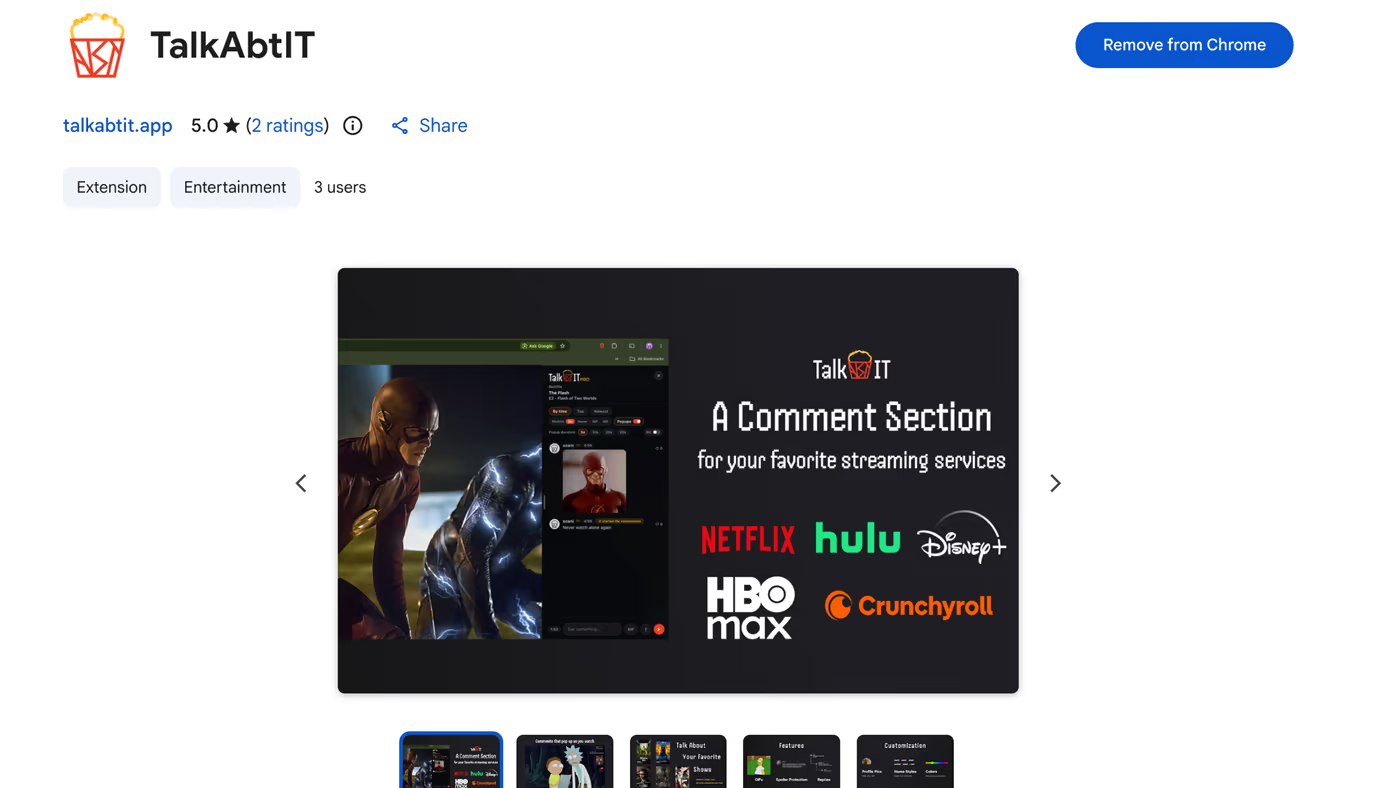
A comment section
for streaming services.

Stop watching alone. Watch with everyone.
Get TalkAbtITFree · Chrome Web StoreRemind me later
TalkAbtIT is a Chrome extension, so it runs in the Chrome browser on your computer. Drop your email and we'll send you the link for when you're on your computer.
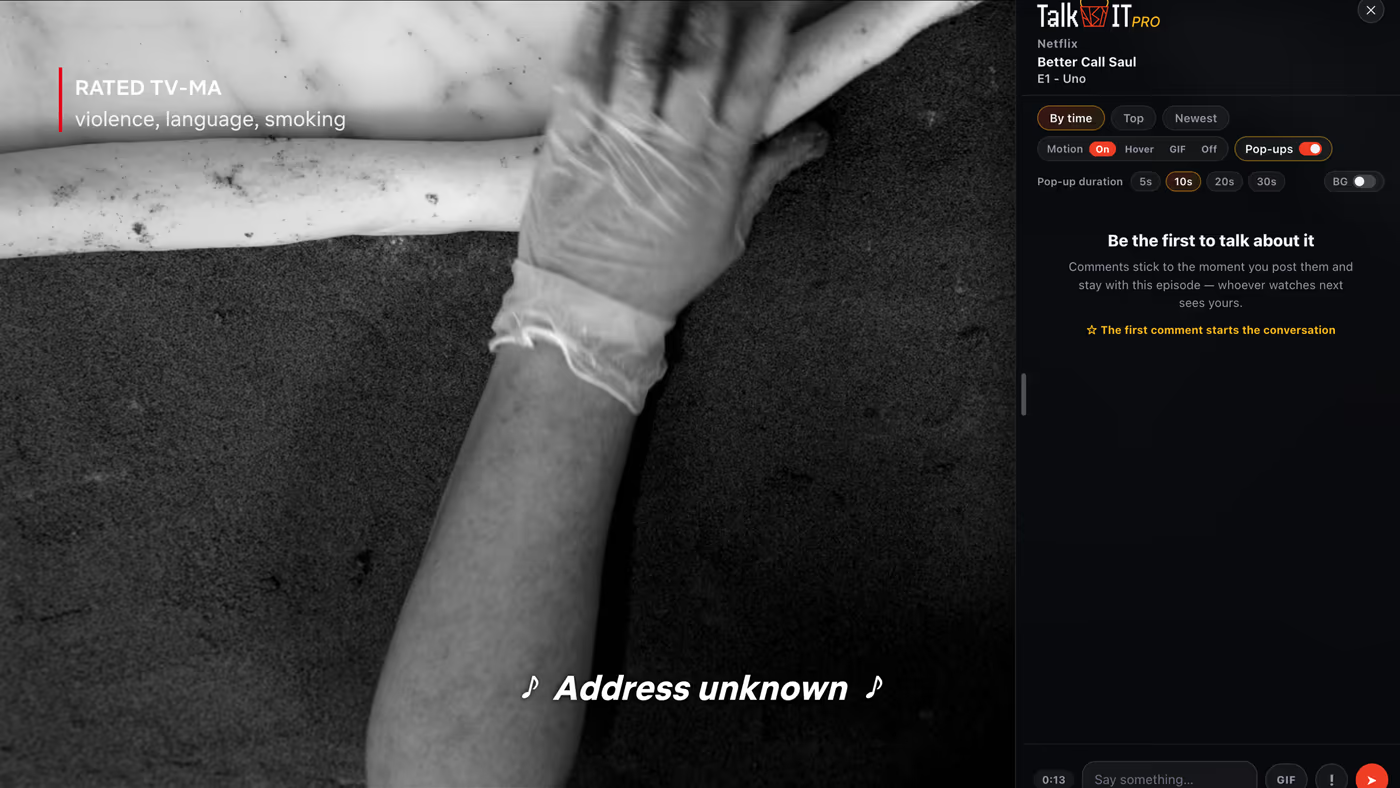
Leave comments right on the page you're watching
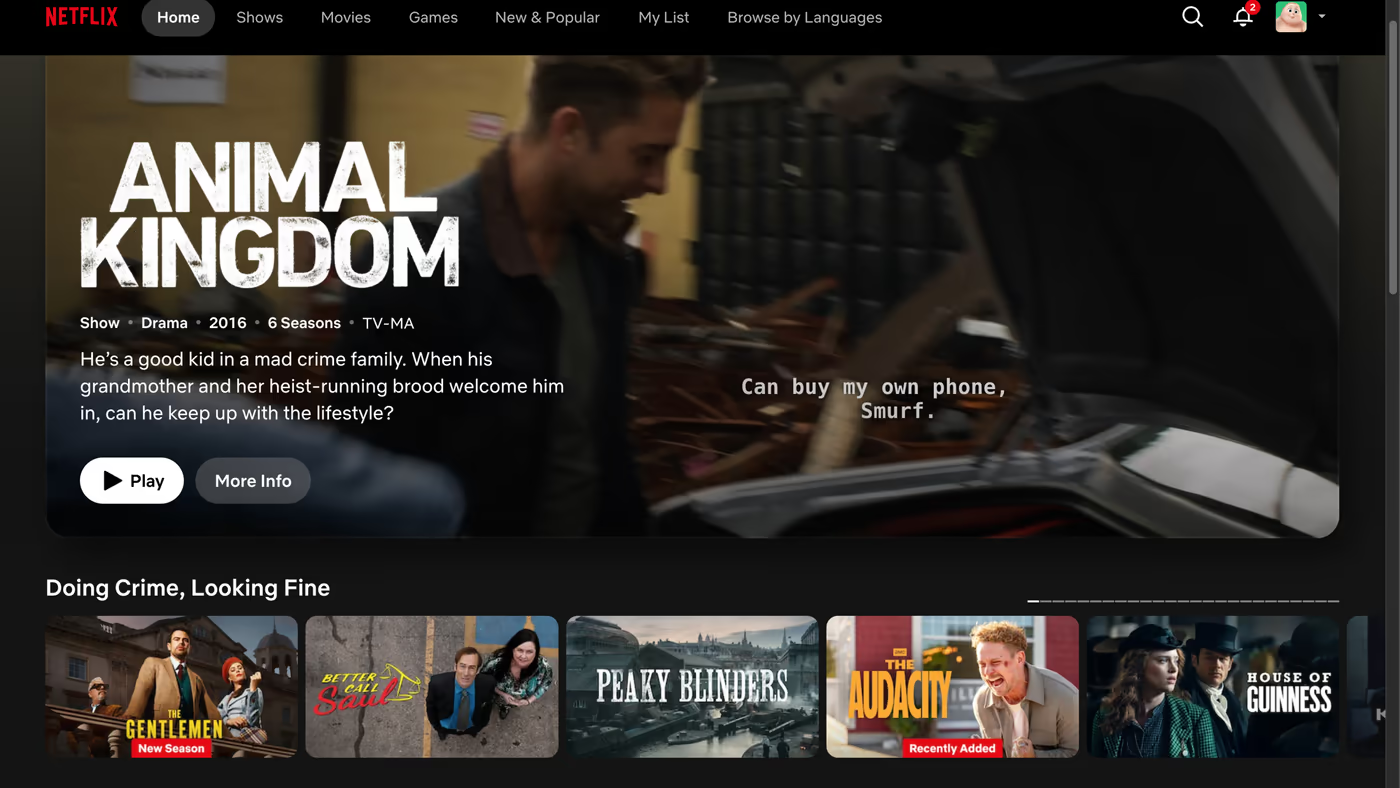
TalkAbtIT adds a comment section to Netflix, Hulu, Disney+, HBO Max, Paramount+, and Crunchyroll — the conversation sits right on the player.

Spoilers stay blurred until you're ready
About to give something away? Hit the spoiler button and your comment sends blurred — readers tap to reveal it when they're ready.



Customize how you show up
Everyone picks an avatar for free, with a live preview before you save. Plus adds pop-up comments over the video, a custom name color, a profile pic, and the popcorn-bucket badge — Pro layers on a crown badge, GIF pics, a custom pop-up background, and nine animated name styles.
See everything in Premium →How it works

Add it to your browser
Install the extension from the Chrome Web Store, then continue with Google or GitHub — or create an account with your email — and pick the name everyone sees with your comments.
Tools for binge watchers
Binge math and release countdowns for hundreds of shows. No extension needed, no sign-up, refreshed every week.
 #1 most watched this week
How long does it take to watch Lanterns?
8 hours8 episodes · 1 seasonSee the breakdown Release countdown
When is the next episode of Slow Horses?
October 21S6 E6Start the countdownWatching something else? Search any show in the binge calculator, browse watch times for every show, or see all upcoming release dates.
Remind me later
TalkAbtIT is a Chrome extension, so it runs in the Chrome browser on your computer. Drop your email and we'll send you the link for when you're on your computer.